

My sign-in code didn't arrive
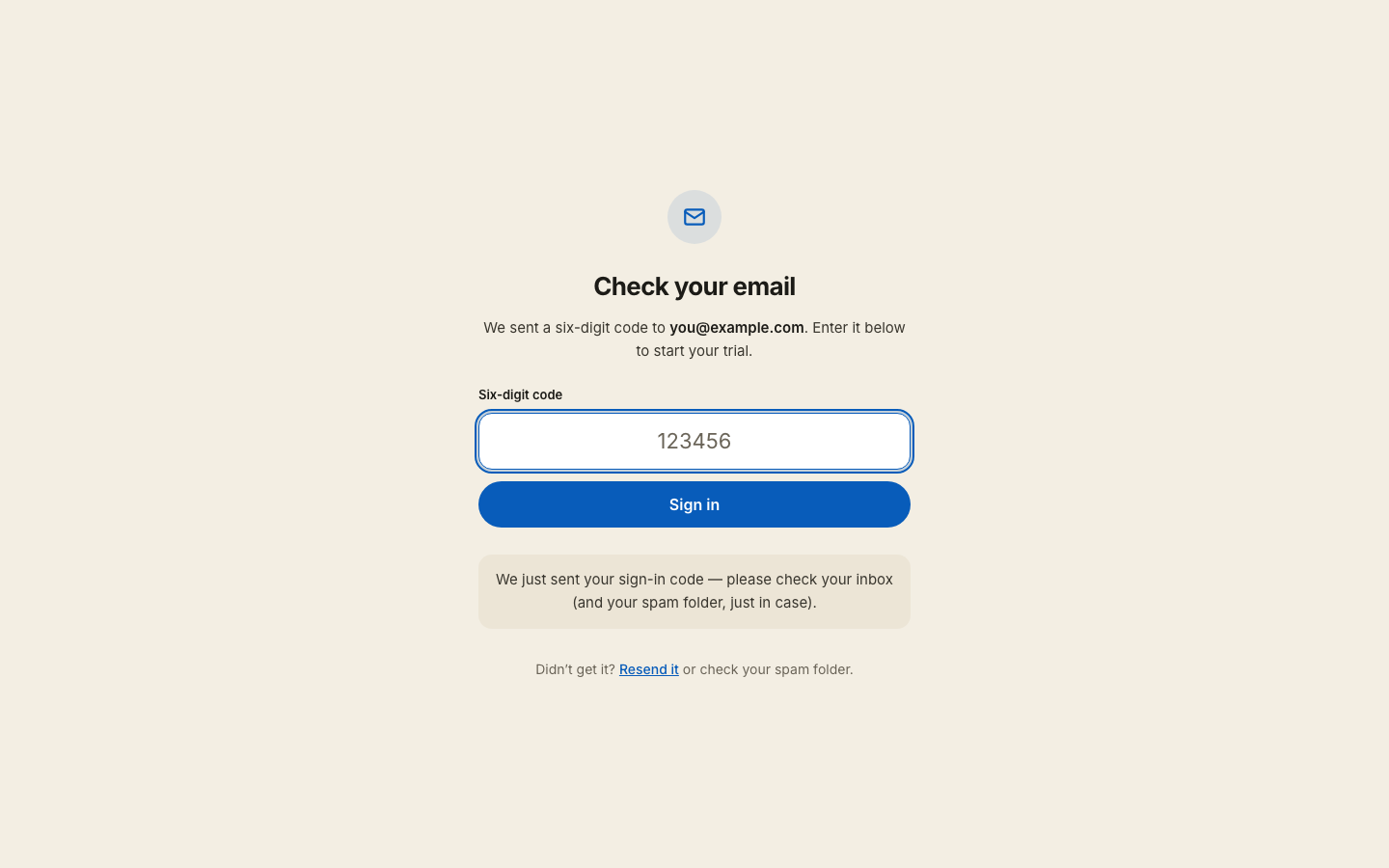
Work down this list. The first item is the answer more often than not.
If the email arrived but the button didn't sign you in, nothing is wrong and nothing is used up. The Sign me in button only works on the device that asked for the email — that is what stops corporate mail scanners from spending your sign-in before you see it. The six-digit code printed underneath the button works on any device, so use that one.
1. Check spam, promotions and updates. A six-digit code from a new sender is exactly what a filter grabs. Search your whole mailbox for capitalprep.
2. Give it a moment, then resend. Use Resend on the same screen. An older email stops working the moment you ask for a new one — button and code alike — so always use the newest one. Both last 15 minutes.
3. Check the address for a typo. Go back and read it slowly — a wrong letter sends a real code to a real mailbox that isn't yours.
4. Is it a work address? Corporate mail filters block automated senders more often than personal ones. If you have a personal address, try that instead. If your purchase is under the work address, tell us and we'll sort it out rather than you buying twice.
5. Try Continue with Google if your address is a Google one. It signs you into the same account with no code at all.
Still nothing? Email hello@capitalprep.com from the address you are trying to use — that alone tells us most of what we need — and say which exam. We aim to reply within a few hours.
Add capitalprep.com to your contacts and future codes will land in the inbox.
More in Troubleshooting
Didn’t answer it?
hello@capitalprep.com · we aim to reply within a few hours.