

My progress or streak looks wrong
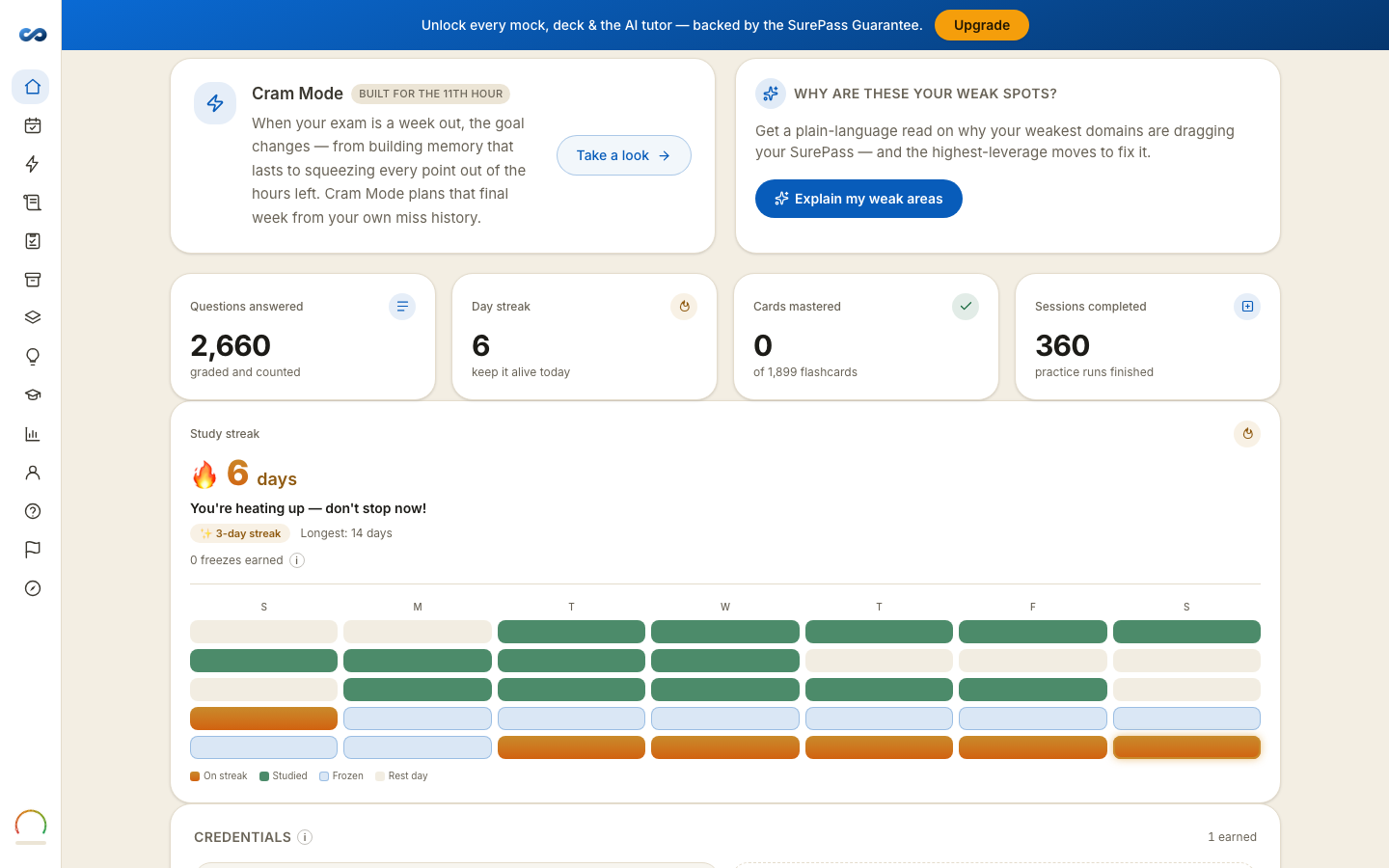
Five things explain almost every case, and four of them are the system working.
1. The day rolled over
Your streak day changes at midnight in the time zone set with your study reminders — not necessarily where you are sitting. Study at 11:50pm and again at 12:10am and that is two days, not one long one.
2. Opening the app is not studying
Only answering practice questions or reviewing flashcards counts toward a streak. Reading counts for your learning; it deliberately does not count for the streak, because a streak you can keep by opening an app measures nothing.
A focus session counts once it reaches 15 focused minutes.
3. A freeze covered a missed day
Every seven-day stretch banks a streak freeze, up to three. Miss a single day and a freeze is spent automatically, so an intact streak after a day off is a freeze working, not a bug. The card says Freeze protected your streak when it happens.
Two or more missed days at once resets the count. You can turn automatic freezes off under Account → Settings.
4. Offline work has not synced
Answers and reviews you did offline count once the device reconnects. Open the app on a connection and give it a moment.
5. Your numbers exclude some answers, on purpose
- A question where you took a Steer hint is left out of your accuracy and out of your readiness meter. A hinted answer shows what you can do with help, and the exam gives none.
- A revealed answer is not scored at all.
- A mock shows your best finished attempt. A worse retake does not pull it down, and blanks in a finished mock count as wrong.
Still looks wrong?
Tell us the exam, roughly when you studied, and what you expected to see. Include a screenshot of the number that looks off — that is usually enough.
More in Troubleshooting
Didn’t answer it?
hello@capitalprep.com · we aim to reply within a few hours.