

Audio won't play
On a paid pass
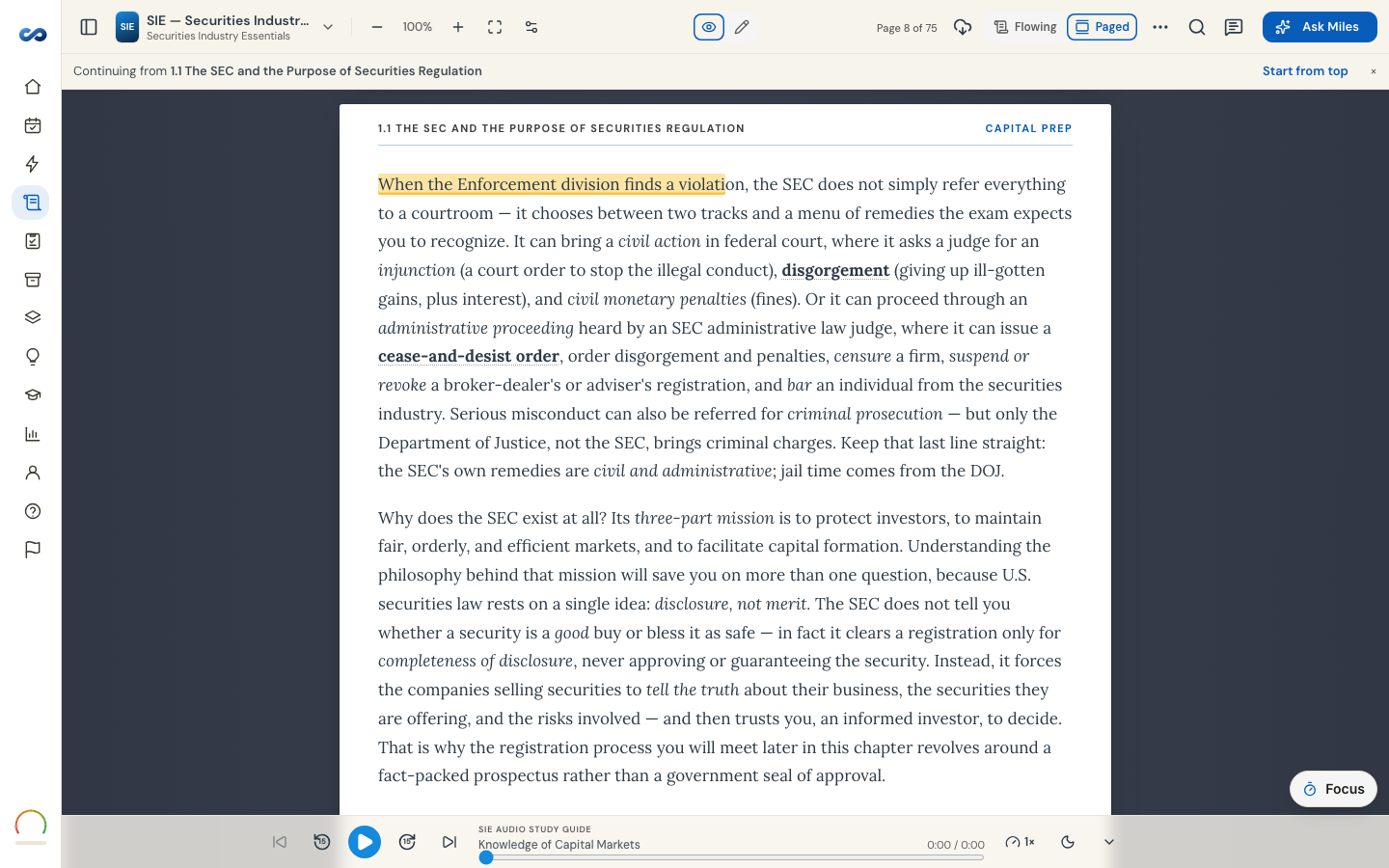
1. Has your trial's clock closed? Narration is open for the 24-hour trial and with a paid pass; after the trial closes it locks until you choose a plan. If the player shows a lock, that is all this is — the first chapter stays readable.
2. Is this chapter narrated? Not every chapter of every exam has audio yet. Where narration exists the player plays it; where it doesn't, the bar still shows but reads no narration yet beside the chapter title.
3. Playing silence on a phone?
- iPhone: check the physical silent switch and the volume, and note that Low Power Mode can delay playback starting.
- Android: check the media volume specifically — it is separate from ring volume.
- Bluetooth: make sure it isn't playing to headphones in your bag.
4. Stopped between chapters on iPhone? Safari sometimes will not start the next chapter on its own once the screen is locked. Press play again and it carries on.
5. Offline? Chapter audio is only available offline if you downloaded the book while narration was unlocked for you. Otherwise it streams and needs a connection.
6. Reload. Close and reopen the reader, or refresh the page.
If none of that helps, tell us the exam, the chapter and the device — that is usually enough to find it.
More in Troubleshooting
Didn’t answer it?
hello@capitalprep.com · we aim to reply within a few hours.