

Using Capital Prep on more than one device

Use it on as many devices as you like — laptop, phone, tablet. Sign in with the same email address on each and they are the same account.
What follows you: your place in the book, your highlights and notes, your flashcard schedule, your progress, your readiness meter, your Game Plan and your exam date. Read a chapter on the train, open your laptop, and you are where you left off.
What stays on one device: anything you downloaded for offline use. A guide you downloaded on your phone is stored on your phone — download it again on the laptop if you want it there too.
One exception. Miles can be open on two devices at a time. If a third tries, you'll see a message about too many devices — close the chat elsewhere and try again in a few minutes. Everything else in the app is unaffected.
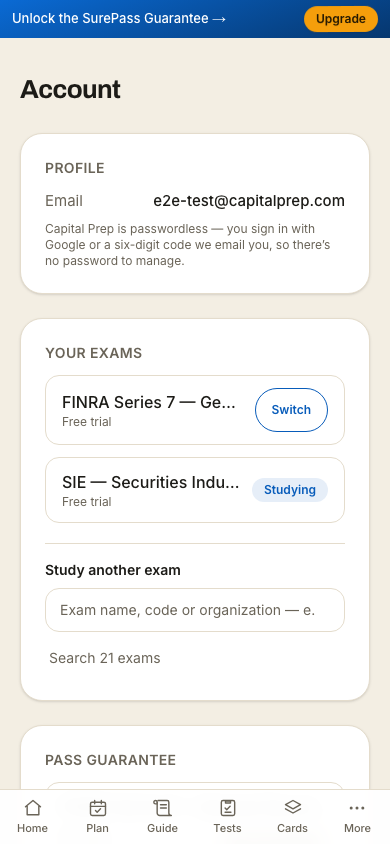
There is no device list to manage — nothing to authorize, nothing to free up. To sign out of the device you are on, use Sign out under Session on your Account page (pictured). That signs out that device only.
On a phone
More in Account, billing and privacy
Didn’t answer it?
hello@capitalprep.com · we aim to reply within a few hours.