

Emails we send, and how to stop them
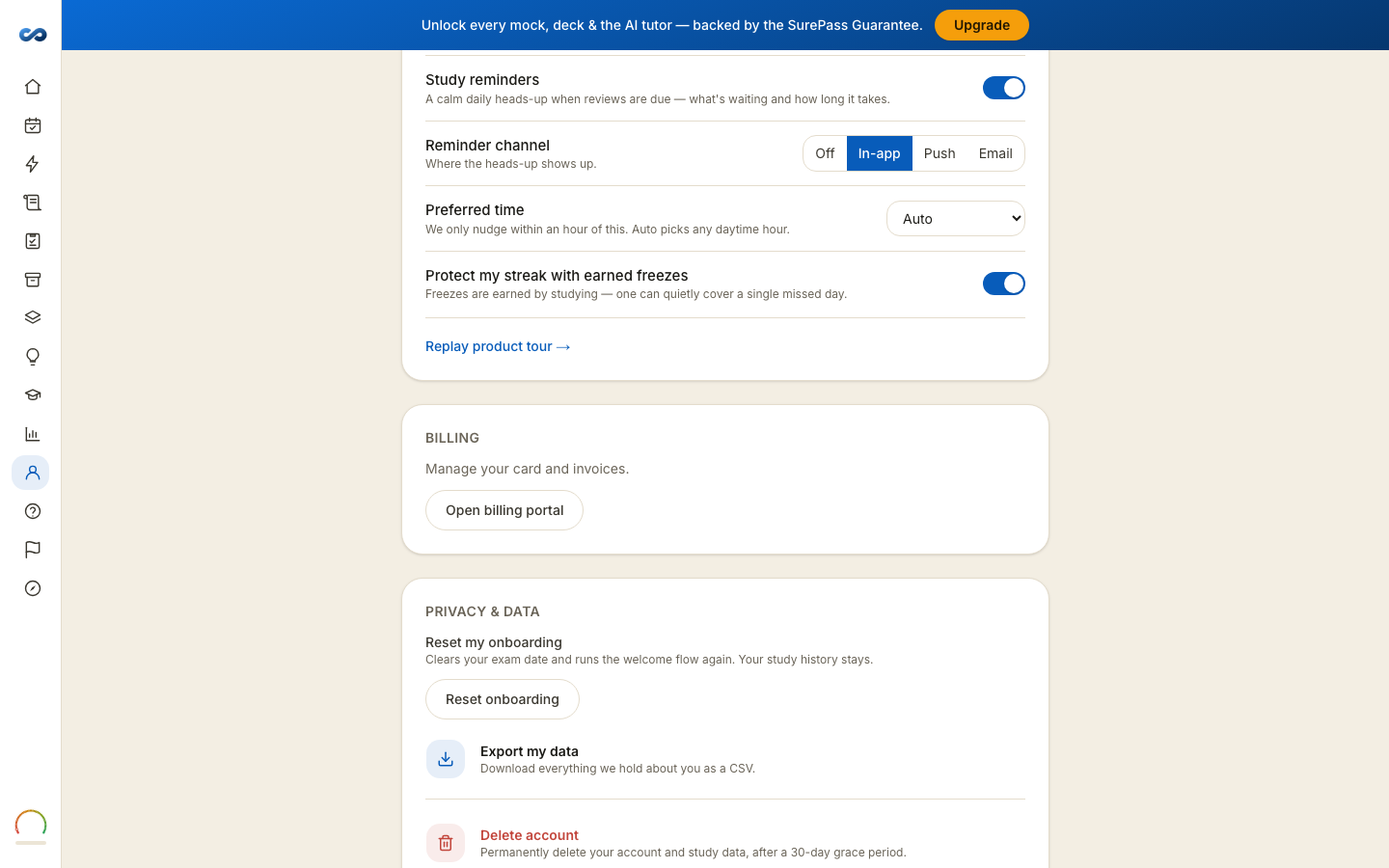
There are two kinds, and only one of them can be turned off.
Emails you cannot unsubscribe from
These are how the product works, so they carry no unsubscribe link:
- Your sign-in email — the button and the six-digit code — and the confirmation email on a brand-new account.
- Your purchase confirmation, and Stripe's receipt for the charge.
- The decision on a guarantee claim.
- Our reply to a content report you sent us.
- Account and service notices.
If you unsubscribe from everything else, these still arrive — otherwise you could not sign in.
Emails you can unsubscribe from
Study check-ins, exam-date nudges, the "how did your exam go?" note after your date, and occasional offers. We send at most one of these a day.
Every one carries an unsubscribe link at the foot, and mail apps with a one-click unsubscribe button work too.
Unsubscribing
Click the link and you get a page naming exactly what you are unsubscribing from — study emails, offer emails or research emails — with one button.
Opening the page unsubscribes nobody. Nothing happens until you press the button. That is on purpose: mail scanners follow links before you ever see them, and a scanner should not be able to unsubscribe you.
The link stays valid for about a year. If it has expired, reply to any email from us with the word "unsubscribe" and a person will handle it.
"How did your exam go?"
After your exam date we ask, once, with a reminder a few days later. One tap: I passed, Not this time, or I didn't sit it. It is completely separate from any guarantee and changes nothing on your account — it exists to keep the readiness meter honest for the people studying after you. Tap the wrong one and you can just tap another.
More in Account, billing and privacy
Didn’t answer it?
hello@capitalprep.com · we aim to reply within a few hours.