

Making your own mnemonics
On a paid pass
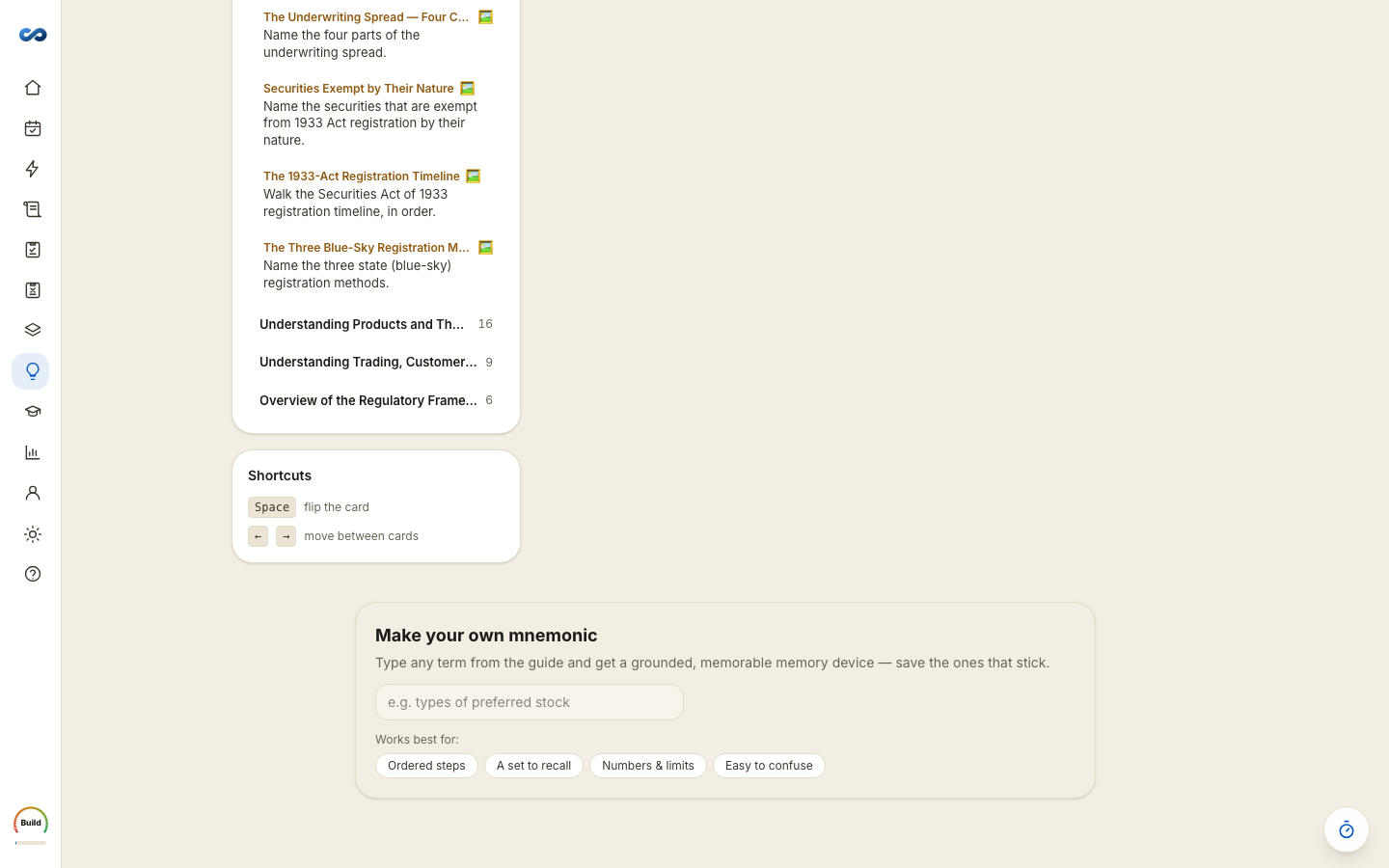
The deck in Mnemonics is ours. My Mnemonics is yours: the hooks you write, the ones Miles makes for you, and the deck cards you choose to keep. There are three ways to add to it.
Have Miles make one
On the Mnemonics page, below the deck, is Make your own mnemonic. Type a term from your guide — "types of preferred stock" — and press Give me a mnemonic. (On an exam whose deck is still being built, the page offers only Write your own mnemonic.)
It works best for four shapes, and the page offers one example of each to try: Ordered steps, A set to recall, Numbers & limits and Easy to confuse. A mnemonic needs something to put in order or to group, so a broad concept is turned down, and the page points you at a flashcard or at Miles in the guide instead.
When one comes back you can Save it or Regenerate it. Each one uses one of your daily Miles messages.
Write one yourself
Write a mnemonic opens a short form: the topic, the mnemonic itself, what each part stands for, and, if you like, a question to test yourself with and a note. Press Save to My Mnemonics.
The same button appears where a hook is most useful: on Mnemonics, on a flashcard, and beside a question once it has been graded.
Keep one from the deck
On a card in the deck, press Save to My Mnemonics. The button then reads In My Mnemonics.
Finding them again
My Mnemonics, at the top of the Mnemonics page, lists everything you have saved. You can search it, edit a card and delete one. Your own cards also appear in the deck with a Yours badge.
Which plans include it
Writing your own mnemonic and saving one from the deck come with every plan, as part of Magic Mnemonics. Give me a mnemonic is Ask Miles, which comes with SurePass; on Starter and Standard that button shows a lock. Everything you have already written stays yours if your access ends; writing new ones comes back with a plan.
For the deck itself, see "Mnemonics (Magic Mnemonics)".
More in Flashcards and memory tools
Didn’t answer it?
hello@capitalprep.com · we aim to reply within a few hours.