

The tour, and finding your way around
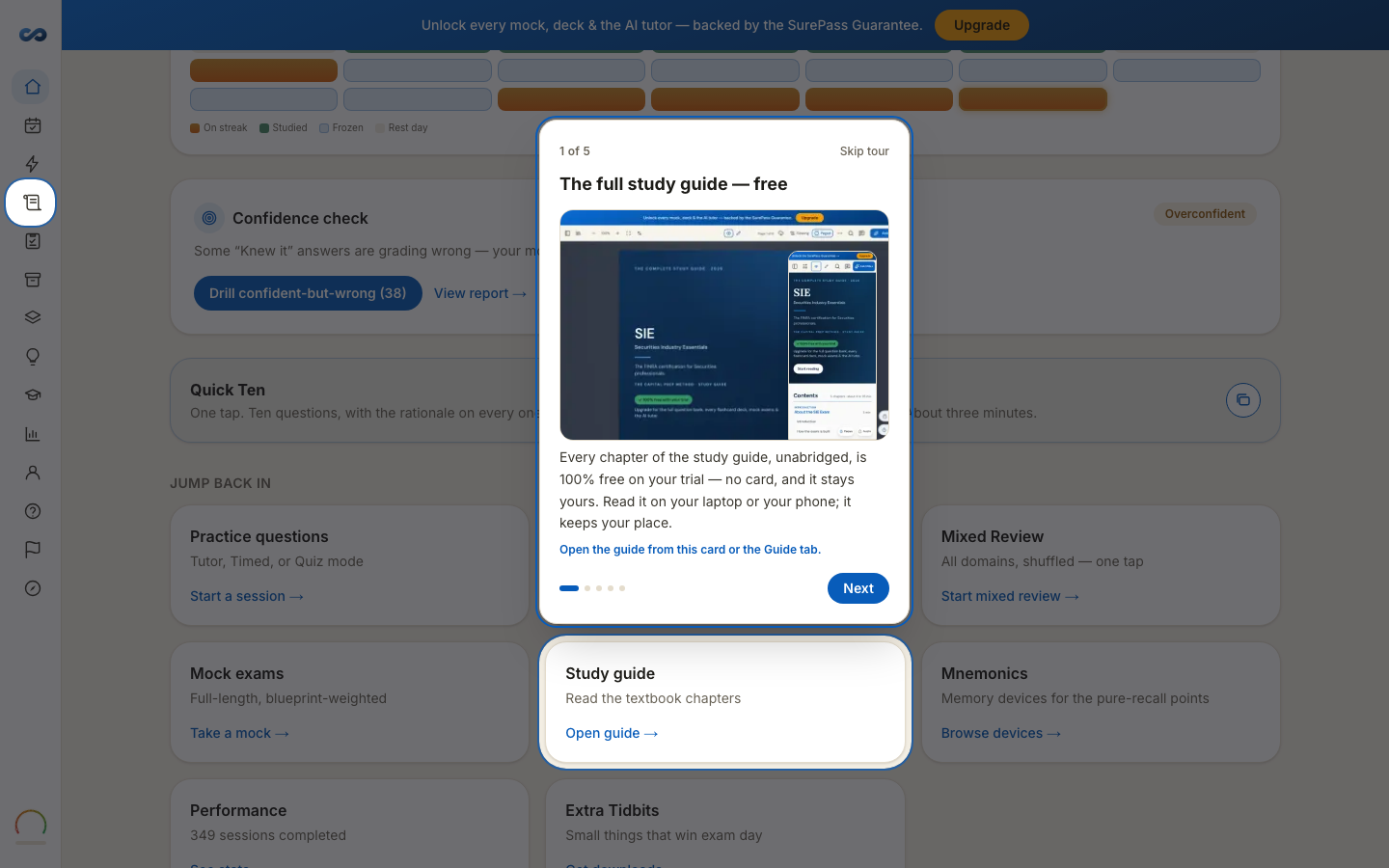
The first time you open your dashboard, a small 60-second setup card offers a short tour: Show me around starts it, Not now skips it. Each stop is a sentence. Back and Next move through it, Skip tour ends it, and the last button says Done. Escape skips it too.
The stops
In this order: practice questions, the study guide (it opens with a picture of your own book), flashcards, mnemonics, Cram Mode, mock exams and your readiness meter — Building, Getting close, Ready to sit.
On a plan, the tour shows only what your plan includes, under the names on the plans page: The Pass Guide, Memory Lock Flashcards and Magic Mnemonics on every plan; the Exam-Mirror Question Bank and the Exam Day Simulator on Standard and SurePass; Cram Mode and the SurePass Score on SurePass.
Your exam date is asked for after the tour, not inside it, and you can skip it.
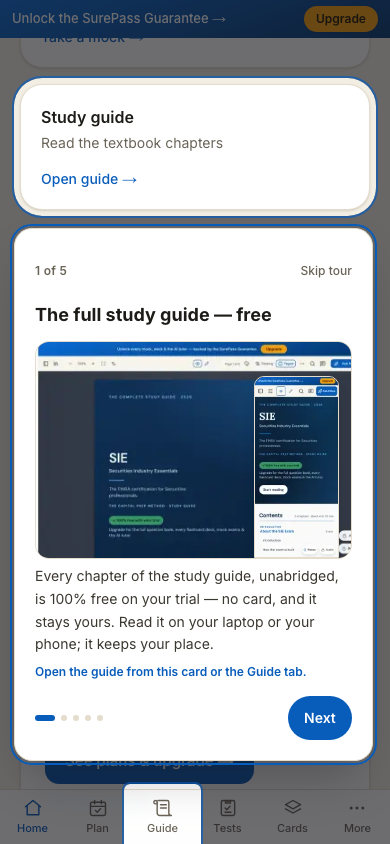
On a phone you get a short Welcome to your study room checklist instead of the spotlight stops.
Everything the tour points at is live. The highlighted card is not a picture of a button — click it and it opens, and the tour steps aside.
Starting it again
Account → Settings → Replay product tour → works whatever pass you are on. Take the tour is also under Account → Help & support, and in the phone More sheet until you are on a paid plan.
It never replays on its own once you have finished or skipped it.
The layout, in one paragraph
Your dashboard is home: your readiness meter, what is due today, and your exam date. The study rail down the side is everything for the exam you are on — Game Plan, Cram Mode, Study Guide, Tests (practice questions and mock exams), Missed Questions, Flashcards, Mnemonics, Teach It and Performance. Account holds your exams, settings, billing and privacy.
On a phone the rail collapses into a menu, and inside the study guide Reading tools carries a Back to study home row.
If you only do one thing
Open the study guide and read. It is the whole textbook, it comes with every plan, and everything else in the product exists to make what you read there stick.
On a phone
More in Getting started
Didn’t answer it?
hello@capitalprep.com · we aim to reply within a few hours.