

Focus sessions
On a paid pass
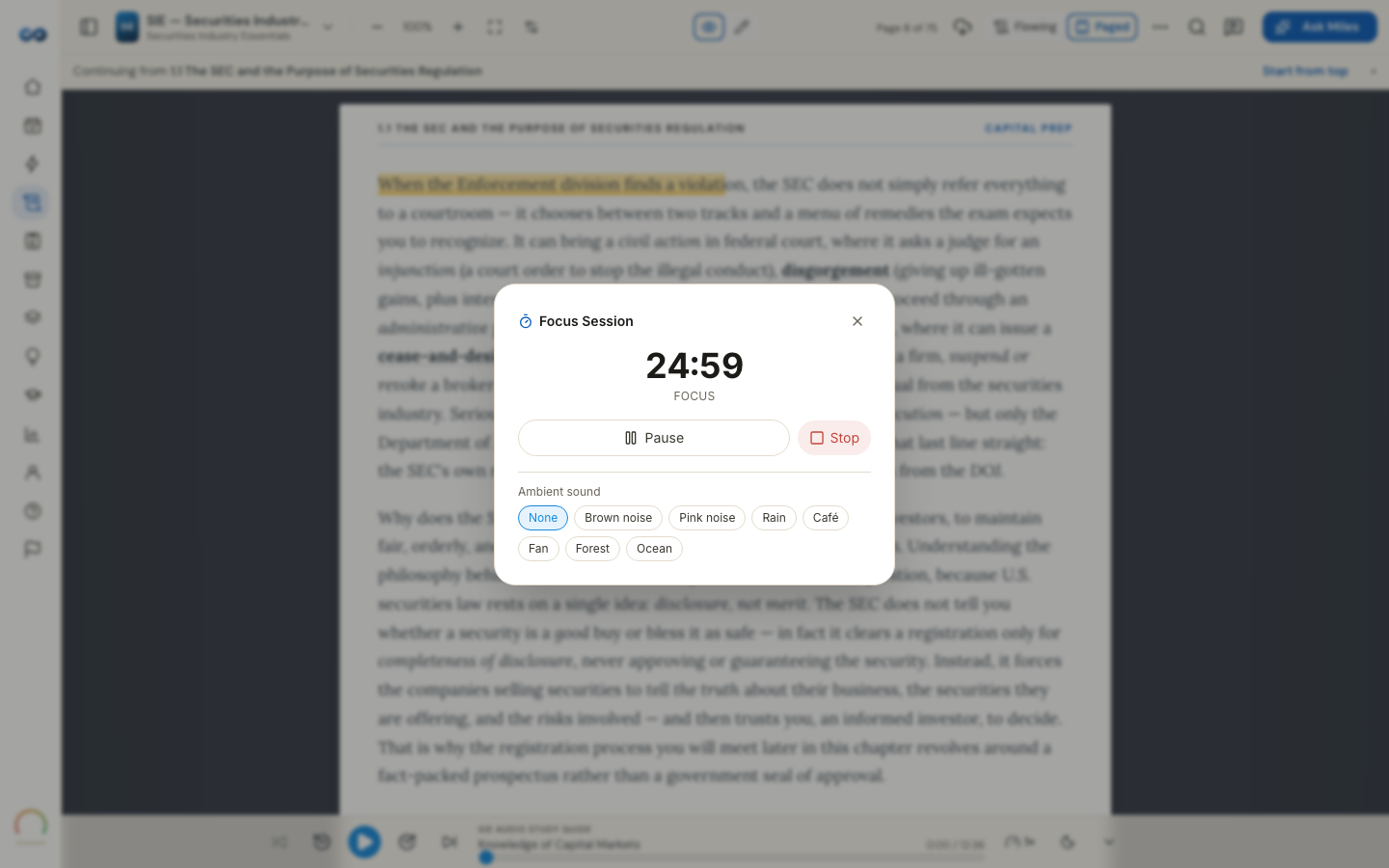
A timer that sits in the bottom-right corner of every screen — the Focus pill — and keeps you honest about how long you actually studied. Start one from wherever you are, the home screen, a practice test, the study guide, your cards, and it follows you: the clock is still there on the next tab, and after a reload.
The four shapes
- 25 / 5 — twenty-five minutes on, five off.
- 50 / 10 — the standard block.
- Custom — set your own, from 5 to 120 minutes of focus and up to 30 of break.
- Flowtime — counts up, with no forced break. Take one when you want one.
A goal, if you want one
Optionally pick what you are counting — pages, questions or cards — and a target. Progress fills from your real work: answer a question and the counter moves. It is a nudge, not a gate, and nothing stops when you hit it.
What it counts toward
- Your streak, once a session reaches 15 focused minutes. Break time never counts.
- Points, from the studying you did inside it. A block spent reading earns no points and says so honestly — "you were reading" — rather than pretending.
Elapsed time is measured from the clock, not from the tab being open, so a session you leave running while you make coffee does not credit you for the coffee.
Cram Mode uses the same timer
Starting a Cram Mode block starts a focus session. One timer, one streak, no double-counting.
Access
Focus sessions are open on every pass, and on a trial you already hold while its clock runs. When the trial closes the pill stays visible, and the panel tells you before you press Start rather than after.
Where the pill is. Bottom right, on every screen of the app, whether a session is running or not. It steps out of the way of anything you are trying to tap or read, and it sits beneath any menu or panel you open.
More in Practice, mocks and your plan
Didn’t answer it?
hello@capitalprep.com · we aim to reply within a few hours.